Snapseed QR Codes
Scan a code, get the look. Hand-tested recipes and QR codes directly from the Snapseed app. Free, no sign-up, no watermark.
Curated by Qumer Yas • Works on Android & iPhone
QR code galleries are being built from settings tested in the Snapseed app. The Nature recipes below are ready to copy by hand today, and their QR codes appear here immediately after scan verification.
Nature recipes, ready today
Five lush green looks with complete settings tables. Copy the settings by hand in Snapseed, then save the edit as a QR Look in your app.
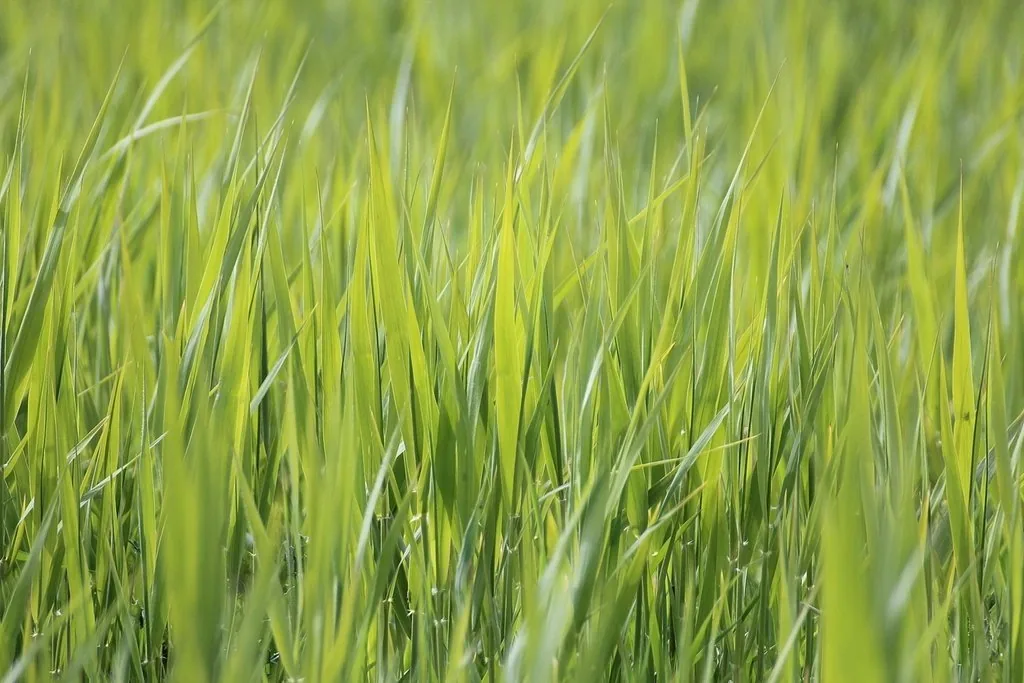 Look #1Settings Ready
Nature Rich Green 01
Deeper green, clean sky, and soft highlight control so the sky does not blow out.
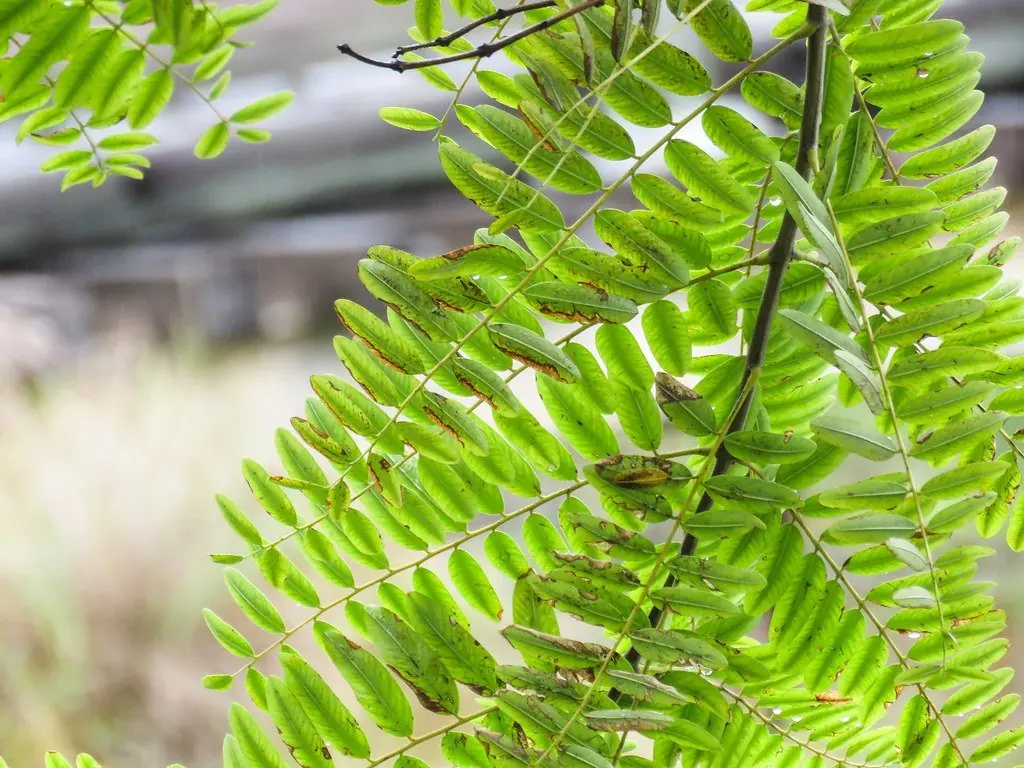 Look #2Settings Ready
Nature Emerald Leaf 02
Strong structure on leaf veins, deep emerald tone, and shadows opened a little so dark leaves keep detail.
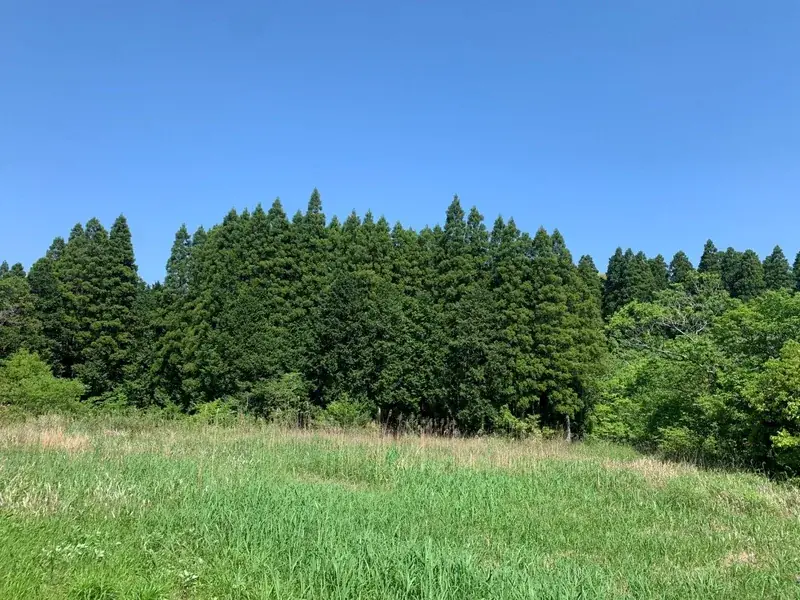 Look #3Settings Ready
Nature Fresh Meadow 03
Lifted brightness, gentle green, soft glow, and a sky kept pale and clean.
 Look #4Settings Ready
Nature Forest Shade 04
Deeper shadows, cooler green, calm moody tone, and highlights pulled down so light spots between trees stay soft.
 Look #5Settings Ready
Nature Green Valley 05
Balanced green slopes, richer sky color, and distance haze cut a little so far hills read clear.
How to scan in 4 steps
Scan any QR Look directly inside Snapseed on Android or iOS. No third-party apps required.
Open a photo
Launch Snapseed on your phone and choose the photo you want to edit.
Tap the QR Look button
Tap the QR code icon located at the top right header of the Tools view.
Select 'Scan QR Look'
Tap 'Scan QR Look' from the dropdown menu to open Snapseed's built-in scanner.
Point and apply
Point your camera at the QR code on screen, or import the saved QR screenshot directly from your phone's gallery.
Align QR Look code inside frame
About the app
Snapseed is a complete, professional photo editor developed by Google. Free, with no subscriptions, in-app purchases, or ads.
| App Name | Snapseed |
|---|---|
| Developer | Google LLC |
| Price | 100% Free |
| Platforms | Android and iOS (iPhone & iPad) |
| Downloads | 100M+ Downloads on Google Play |
| Subscription | None • No sign-up needed |
| Ads | None • Completely ad-free |
Snapseed
Google LLC
4.5★
1.8M reviews
100M+
Downloads
Snapseed
Photo & Video
4.7★
Ratings
#1
Top Free
Snapseed Guides & Tutorials
Step-by-step editing tutorials, tool explanations, and workflow guides tested directly in Snapseed 4.
Snapseed Scanner: How to Scan a QR Code in Snapseed
Learn how to use the Snapseed scanner to scan a Snapseed QR code on Android and iPhone, scan a code from the same phone, and fix a code that will not scan.
Background Change in Snapseed: A Step-by-Step Guide
Learn background change in Snapseed with Expand, Selective, Brush, and Double Exposure. Clear steps for sky, bike, Holi, CB, and birthday photos, plus fixes.
Snapseed Remove Background: Healing, Selective, Brush
Snapseed remove background steps with Healing, Selective, and Brush. See what the app removes cleanly, what it cannot, and how to export your finished photo.
Snapseed Filters: How to Use Every Built-In Filter
Learn what Snapseed filters do and how to use each one, from Drama and Vignette to Curves, White Balance, and Tune Image, with clear steps for every tool.
Snapseed for PC: No Official Version, Safe Options
There is no official Snapseed for PC or web version. Learn what exists instead, safe ways to edit on a computer, and how to spot fake download sites online.
How to Create Snapseed QR Code: Step-by-Step Guide
Learn how to create Snapseed QR code looks in the Snapseed app: edit a photo, save it as a Look, make a QR Look, then save or share the code image with friends.
Snapseed 4.2 Guide: New Features, QR Button and LUTs
Snapseed 4.2 adds LUT imports and moves the QR button, as reported in Nov 2026 news. This guide covers the timeline, Manage Looks, batch edits and RAW.
Snapseed LUT Import: How to Import LUTs in Snapseed
Learn snapseed lut import in Snapseed 4.2, as reported in Nov 2026 news: open Manage Looks, pick a .cube, .xmp or .zip file, apply it, then save it as a Look.
Frequently asked questions
Everything you need to know about Snapseed QR codes, compatibility, and usage.
Are Snapseed QR codes free?
Yes. Every code and recipe on this site is free. There is no sign-up, no watermark, and no payment before you scan.
Do Snapseed QR codes expire?
No. A QR Look saved in Snapseed does not expire. If a code stops working, it is usually because the app updated or the image is blurry, not because the code expired.
Do Snapseed QR codes work on iPhone and Android?
Yes. Snapseed runs on both. The scan steps differ a little by phone: on Android a saved Look is called a Style, on iPhone it is called a Look.
Why is my code not scanning?
The usual causes are a normal camera app instead of the Scan QR Look option inside Snapseed, a blurry or cropped code, or glare on the screen. The scan guide lists every fix in order.
Can I copy the settings by hand instead of scanning?
Yes. Every recipe on this site lists every tool and value in apply order. Open your photo in Snapseed, apply the tools in order, then save the edit as a Look.
Where do the QR codes on this site come from?
Every code is made inside the Snapseed app and scan tested on a second photo before it appears here. This site never copies a code from another site, and no website can make a real Snapseed QR Look.